Taptics
A little physical feedback for the web.

When I was building my Korean learning app, the thing that bugged me most was that nothing gave you any immediate feedback. I had the popups and everything, but getting an answer right or wrong, or pressing something that clearly looks like a button, still felt kind of empty, so haptics seemed like the next best step.
WebHaptics1 was the obvious place to start, but it had stopped working on my iPhone, and as far as I can tell it still hasn’t been fixed on the newest version of iOS, so I thought it might be fun to explore how far I could get on my own, and to treat the whole thing as a bit of a design challenge too.
What Safari allows
Safari doesn’t give you a haptics API at all, and it doesn’t support the vibration API either, so the only thing that reliably works is the tick you get from Safari’s own switch2. It fires when you tap the switch or a label connected to it, and it keeps working even when the switch is transparent, pushed offscreen or hidden entirely, which means one can sit behind any button and catch the tap without anyone seeing it.
The catch is that it has to be a real tap. Anything triggered from code stays silent, even a click that happens right after a real one, so every single vibration needs its own verified tap from your finger, and that rule is behind most of what I couldn’t get working later.
Within that there’s still some room to play with. Two taps sent at the same moment feel stronger than one, though four don’t feel any stronger than two, and spacing taps out works as well, with about 65 milliseconds between them reading as separate beats while at 40 they start to blur together. Dragging across a switch ticks as you move too, which is how sliders work, although it takes over vertical scrolling while your finger is on it.
Freezes and the buzz
Spacing taps out has a cost, though. Since each one has to come from inside the original tap, the only way to wait between them is to hold up the page, so something like a double tap freezes the page’s JavaScript for as long as the pattern lasts, and moving the work into an iframe just froze the page around it.
The thing I spent the most hours on was a continuous buzz while holding a finger still, and it never worked. Holding still gives the switch nothing to react to, a quick burst of taps just blurs into one bump, and even a video with its own haptic track played in Safari without anything I could feel. Getting a firm tap when you press a button down and a lighter one when you let go didn’t work either, since the feedback only ever arrives once the tap is finished, and reading through WebKit’s source showed there’s simply nothing that fires the moment your finger lands.
Taptics
What’s left is Taptics, a small library that wraps the switch trick up so you can reuse it. You keep your own buttons and styles, and it only adds the hidden switch and handles the tap, with a React hook if you want one. It comes with a few presets, and you can build your own patterns out of taps and gaps, but anything with a gap freezes the page for a moment, so that’s switched off unless you explicitly ask for it.
The demo
For the demo I wanted it to be playful. I’d seen a lot of different interaction designs over on Twitter, and a toy-like, slightly Nintendo feel seemed like the best fit for something you’re supposed to feel in your hand. It opens on a big yellow button to press, then moves on to everyday things like a favorite button and a switch, and ends with a pattern editor where you start from Knock, Bounce or Ripple, drag the beats around on a timeline, and copy the React code for whatever you end up with.
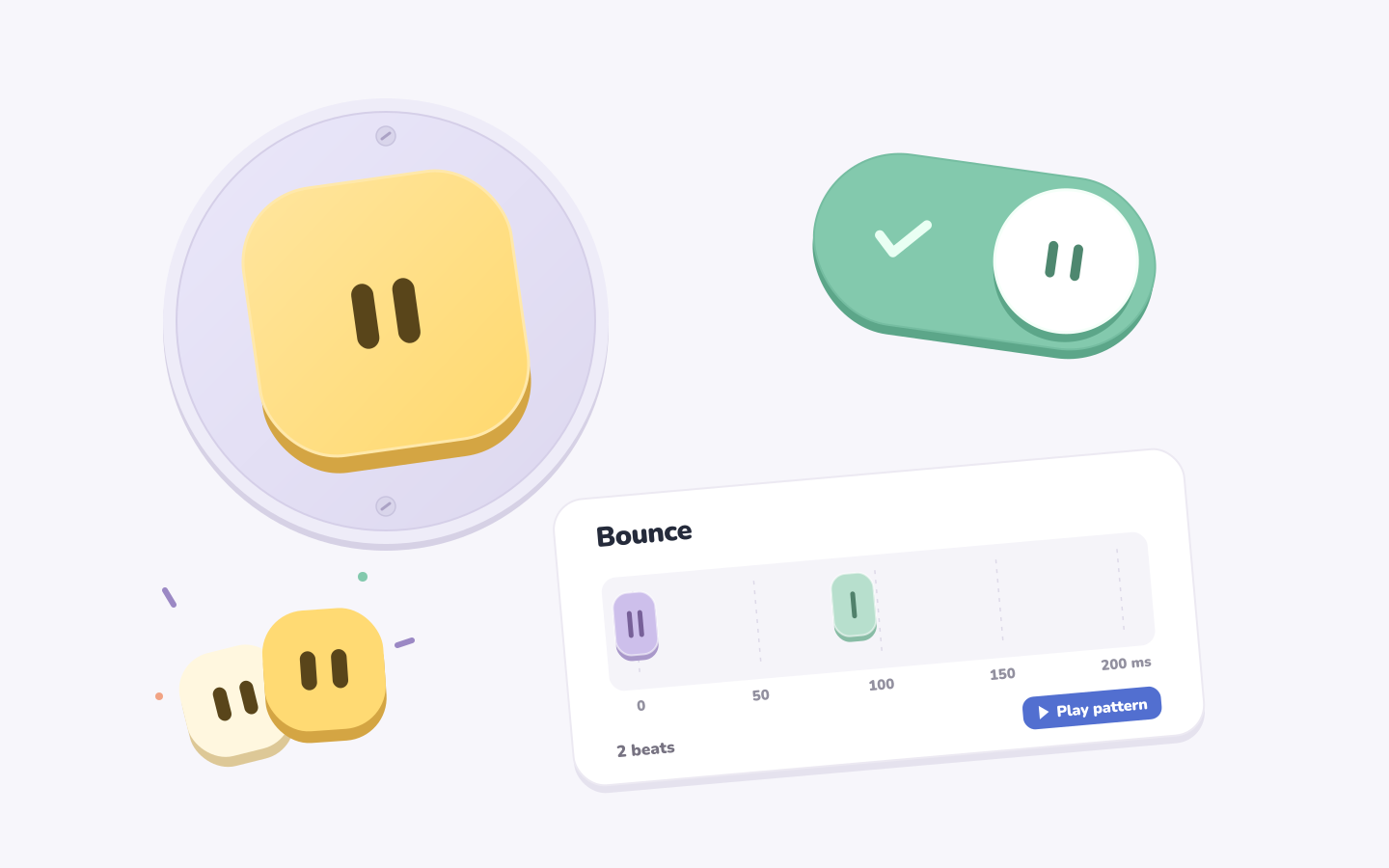
Every press also clicks, once on the way down and again on the way up, using sounds I adapted from the navigation clicks in Gamestream, which is the closest the demo gets to the press and release I couldn’t get out of the haptics. On a computer, where there’s nothing to feel, it plays those sounds with a bit of motion instead and gives you a QR code to open it on your phone.
Where it’s at
Taptics only works in Safari on iPhone and stays silent everywhere else. I haven’t published it yet, mostly because I haven’t gotten around to it and wanted to get everything else right first, and the next step is putting it into the Korean app, which is where all of this started.
- WebHaptics is an existing library for haptic feedback on the mobile web, and the main reference for this project.
- Safari added a switch style for checkboxes in 2024, and on iPhone it ticks when you flip it, like the toggles in Settings.